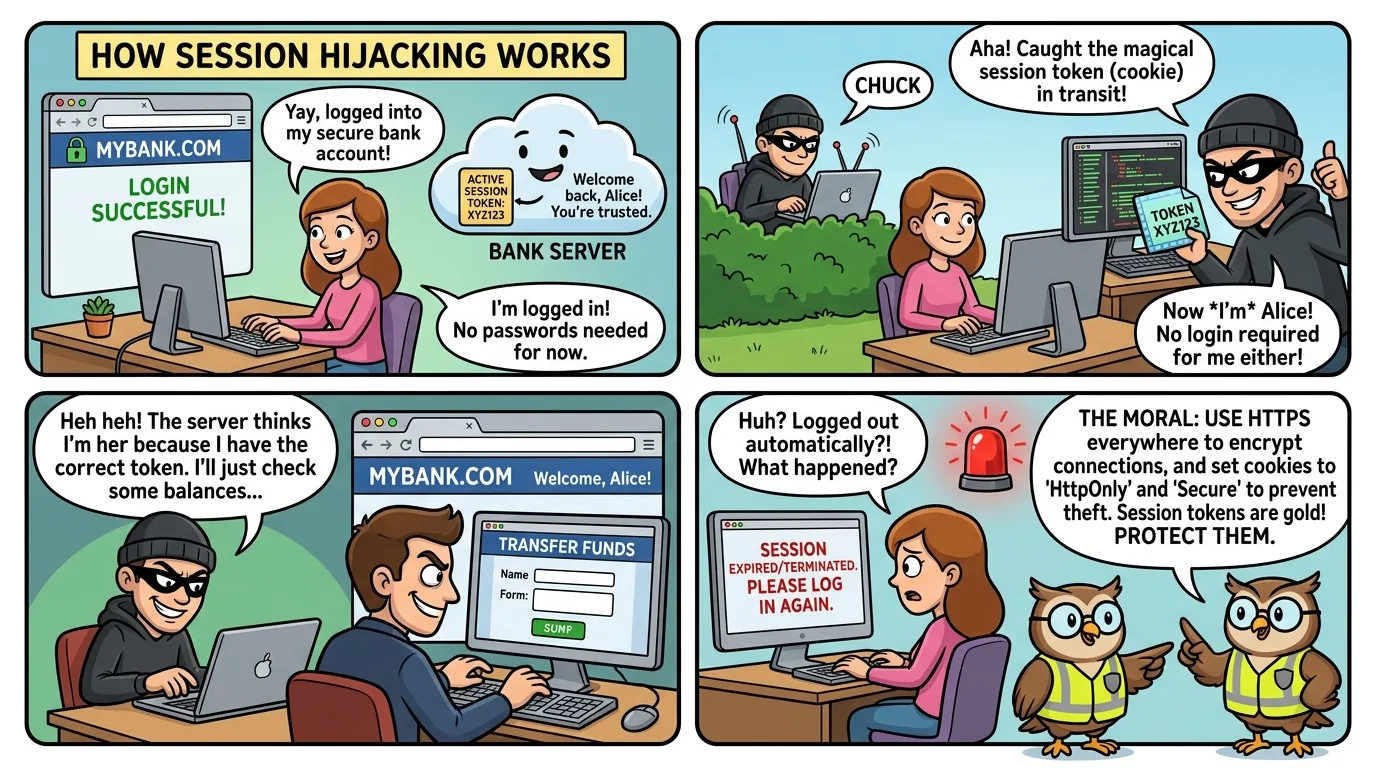
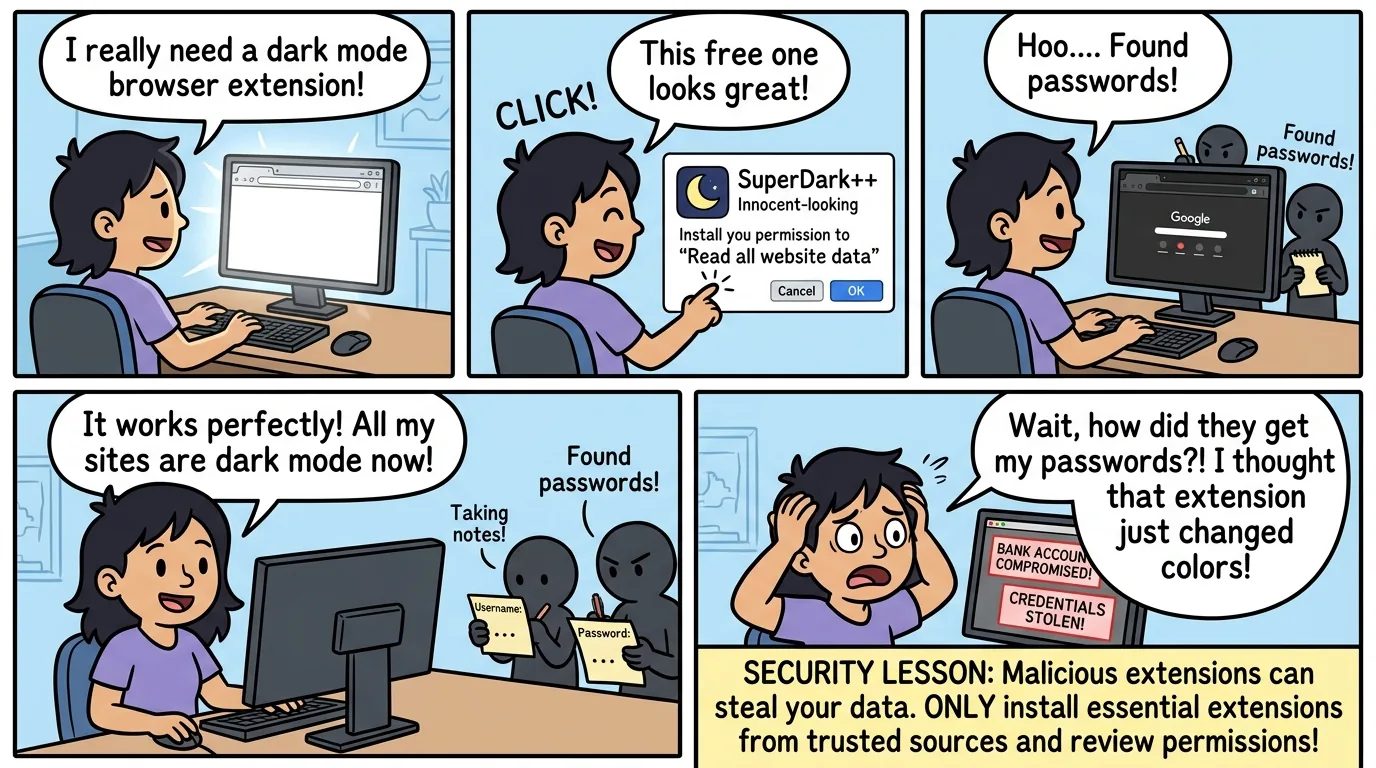
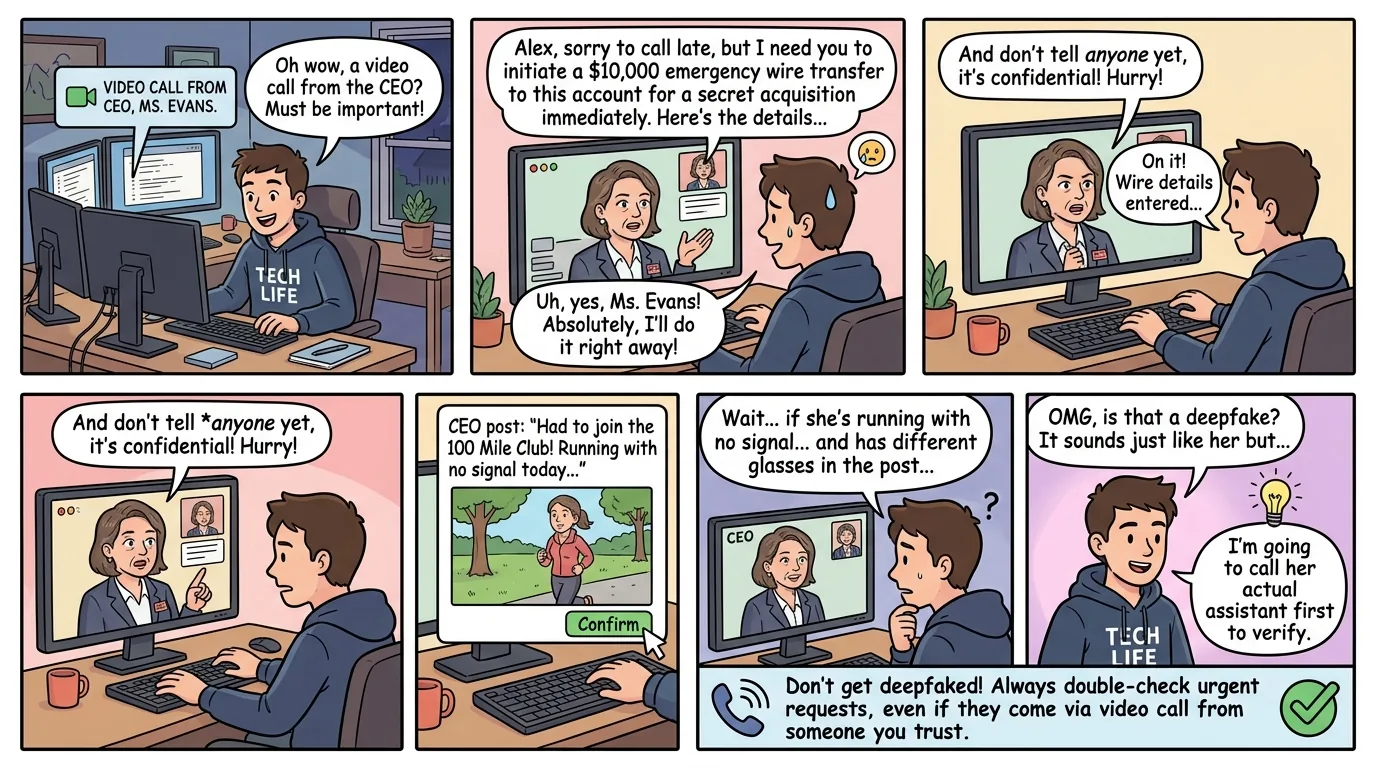
The Browser That Overshared Everything
browser securityprivacy settingssecure browsingcookie settingsHTTPSbrowser configurationweb securitycyber safety
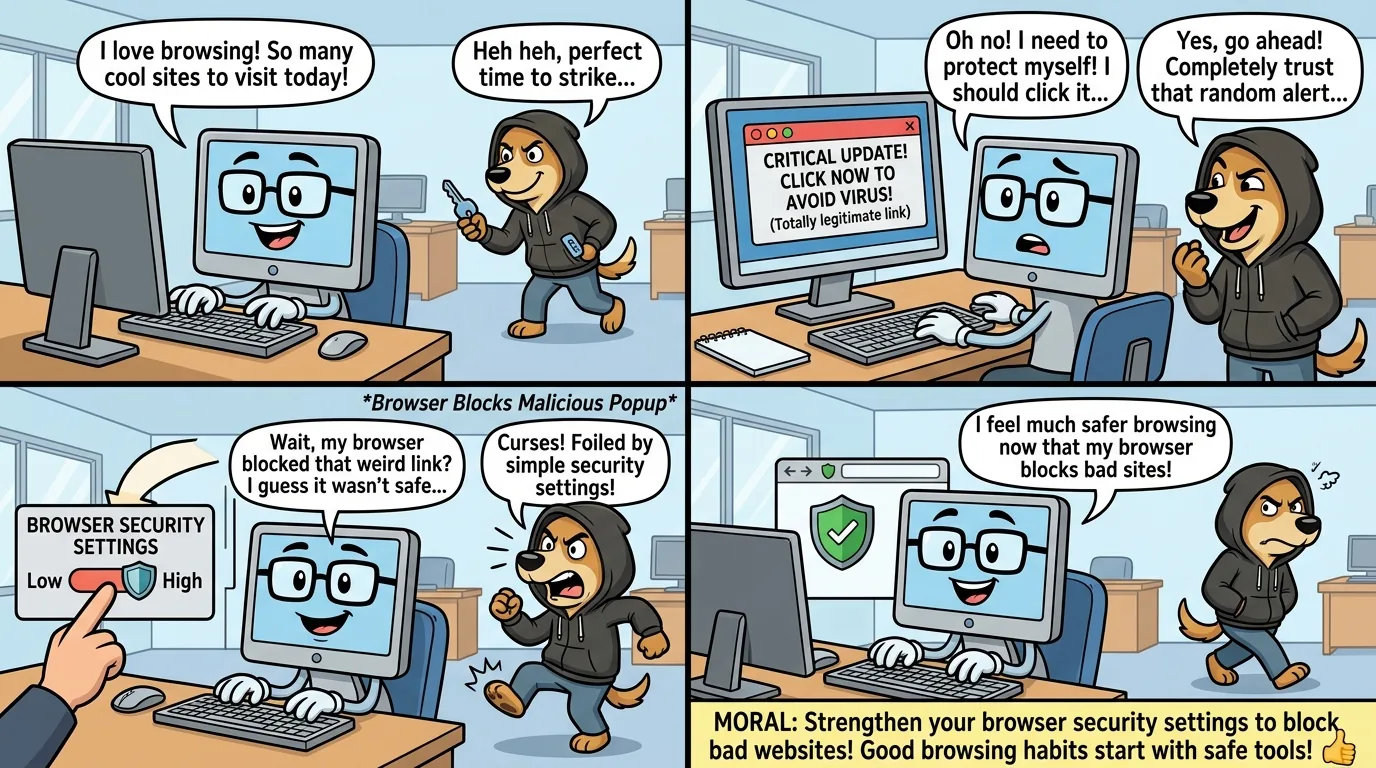
When a browser has zero security settings, chaos ensues! Learn why default settings aren't always your friend in this hilarious tale.
lock
Browser Security Essentials
1
Enable 'HTTPS-Only' mode to force encrypted connections
2
Block third-party cookies and disable tracking in privacy settings
3
Turn off password autofill and use a dedicated password manager instead
4
Disable automatic downloads and enable pop-up blocking
5
Clear browsing data regularly and use private/incognito mode for sensitive tasks